 Spectrum Photo Editorby Alien-dev
Day two on the App Store: No. 8 in Photo & Video.
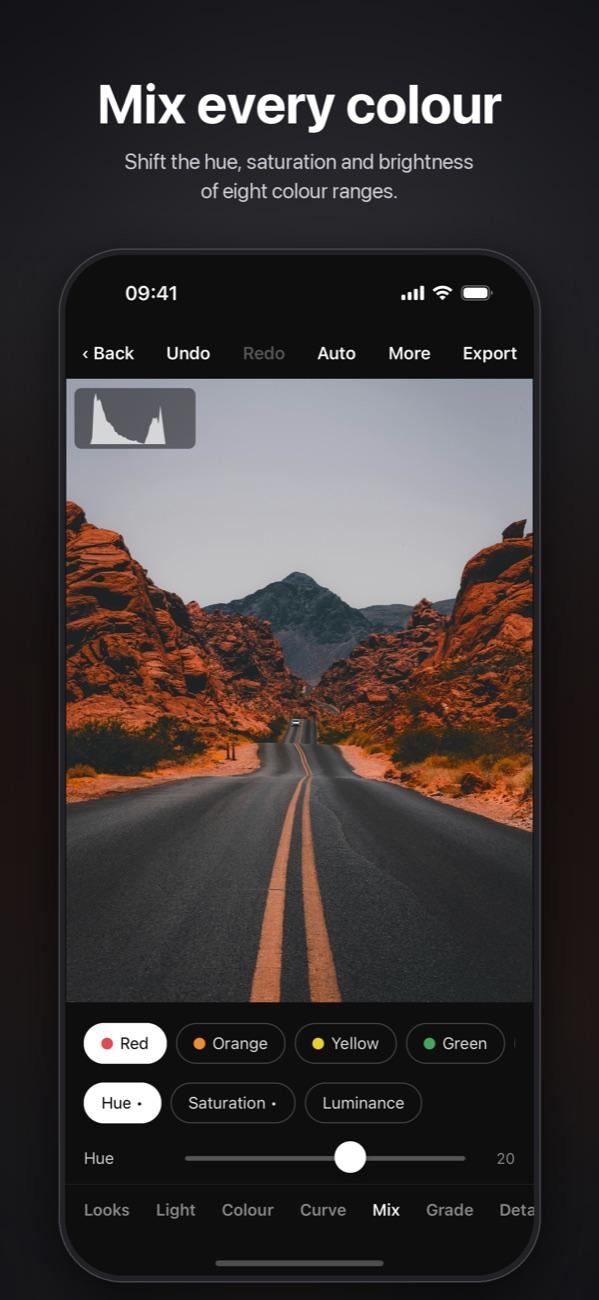
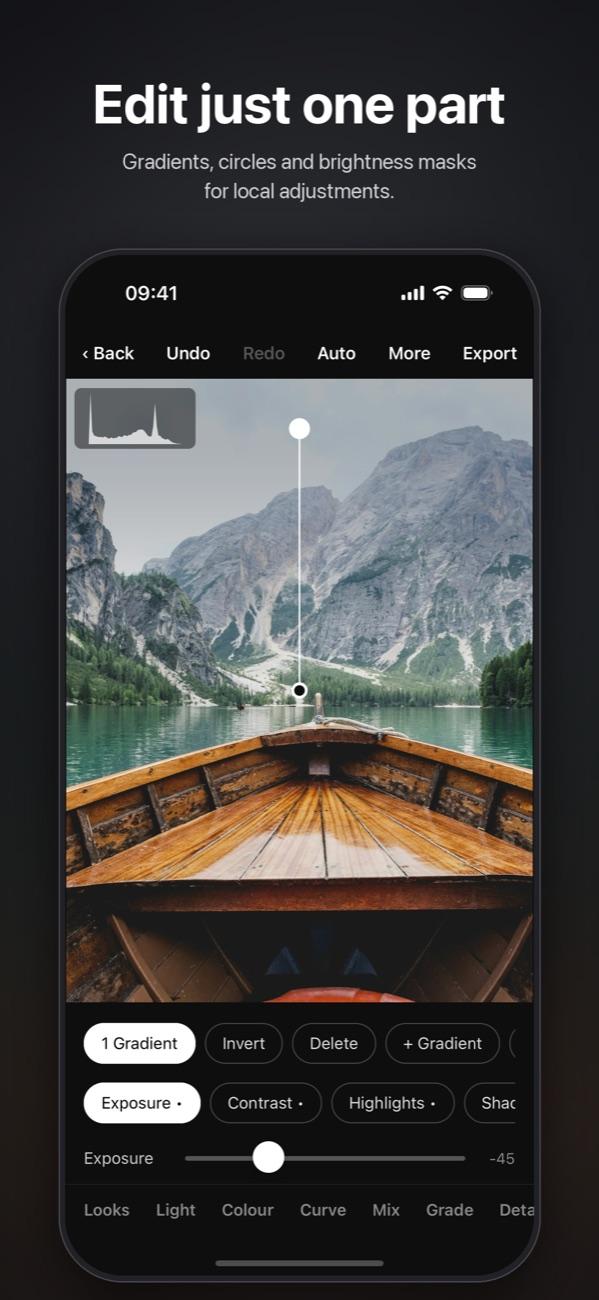
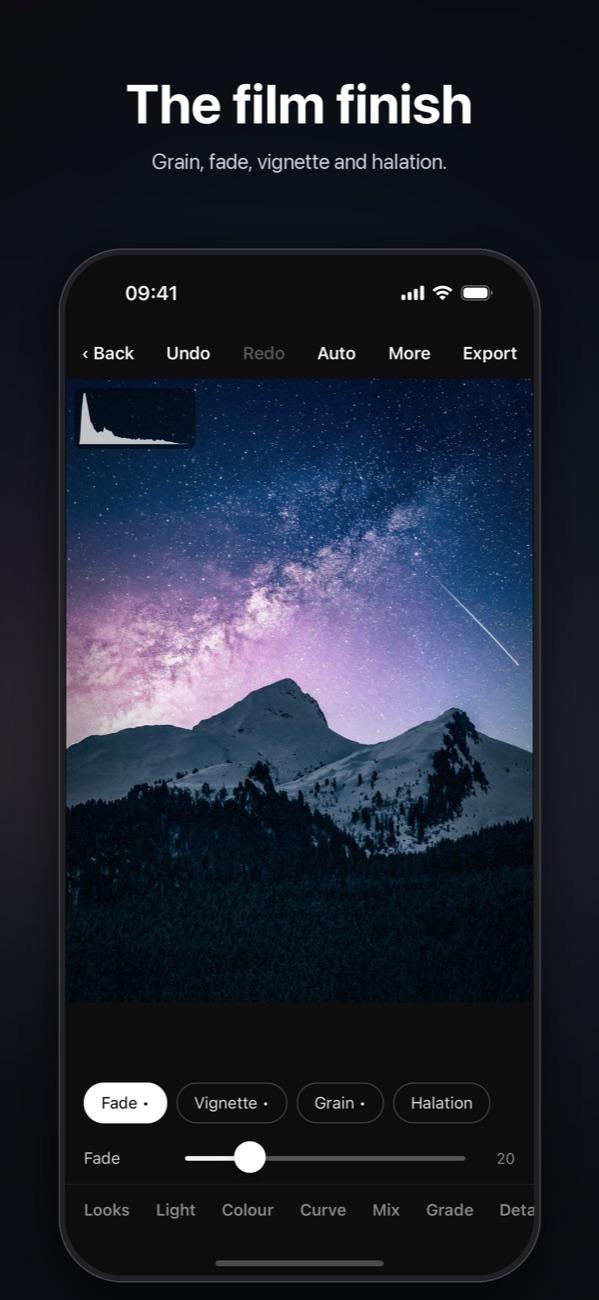
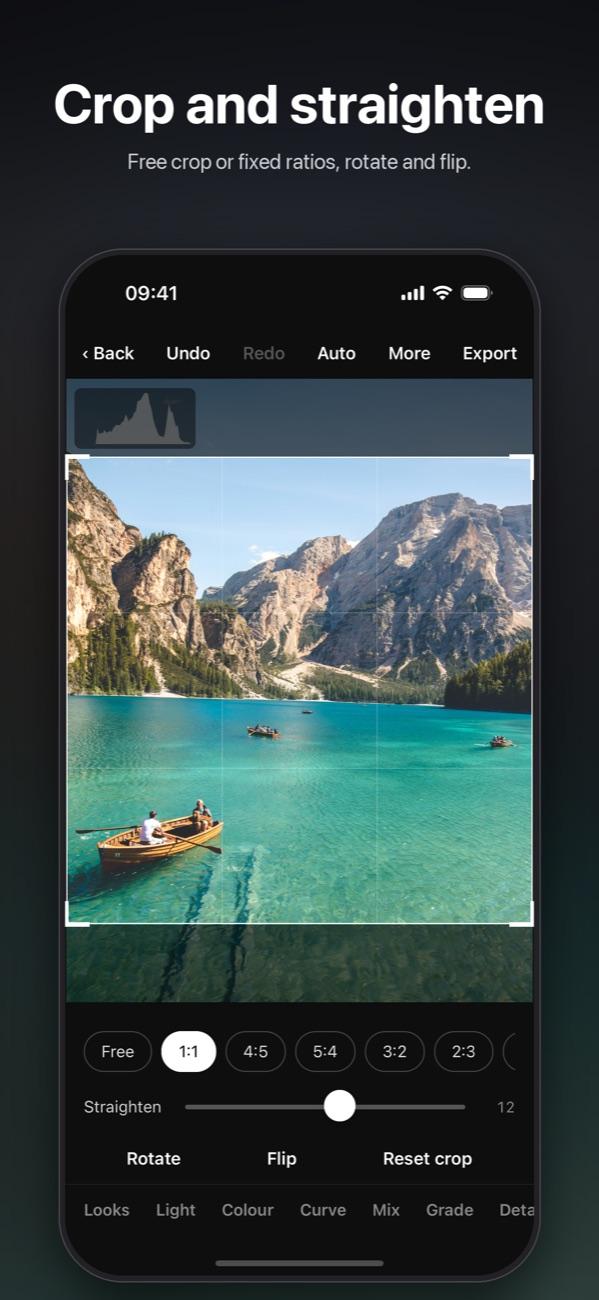
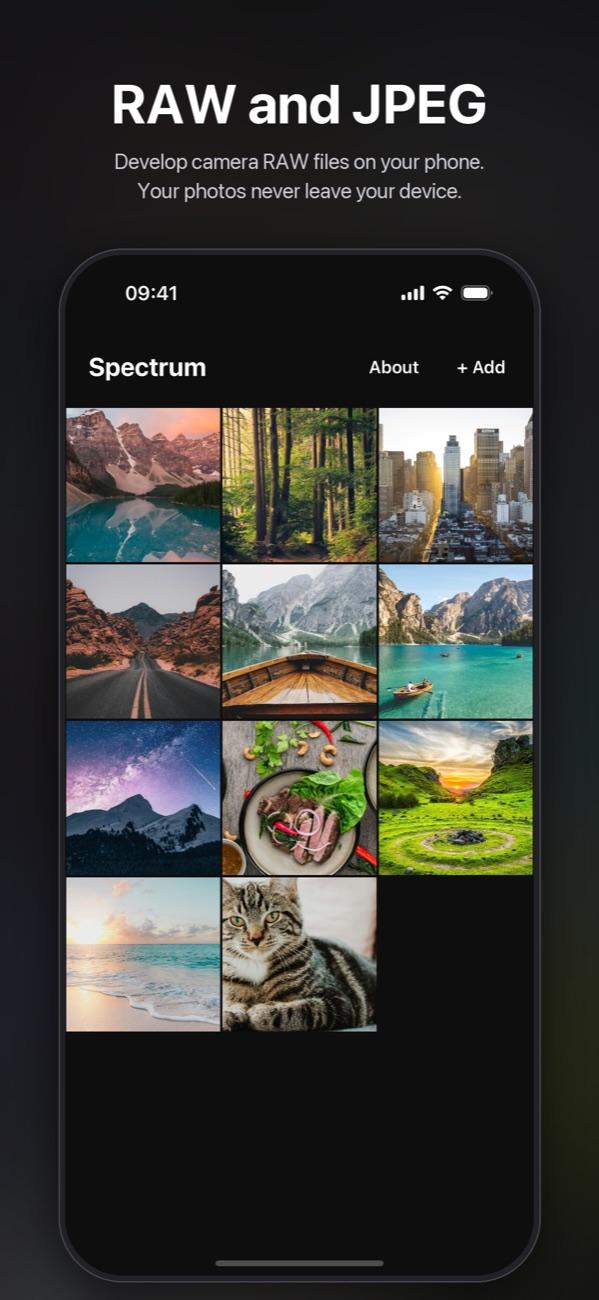
Spectrum is a photo editor for iPhone and iPad. It develops camera RAW files, gives them film looks, curves and masks, and keeps every photo on the phone. It went live on 14 November 2026, and the next day it stood eighth in its category.
The story
It began as Kadar
Kadar is the Serbian word for a frame: the shot a photographer composes. It was the app's first name, and the frame is still in its icon, four corners around a rising sun. The name was already taken on the App Store, so the app became Spectrum, after every colour a photo can hold.
One program draws every edit
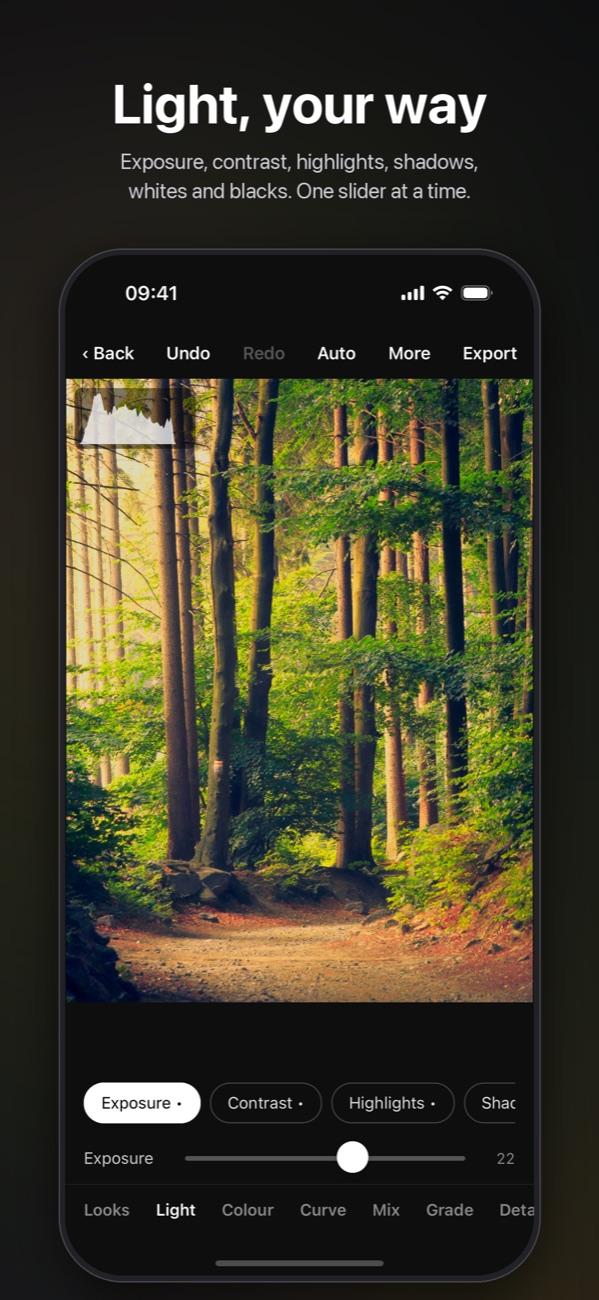
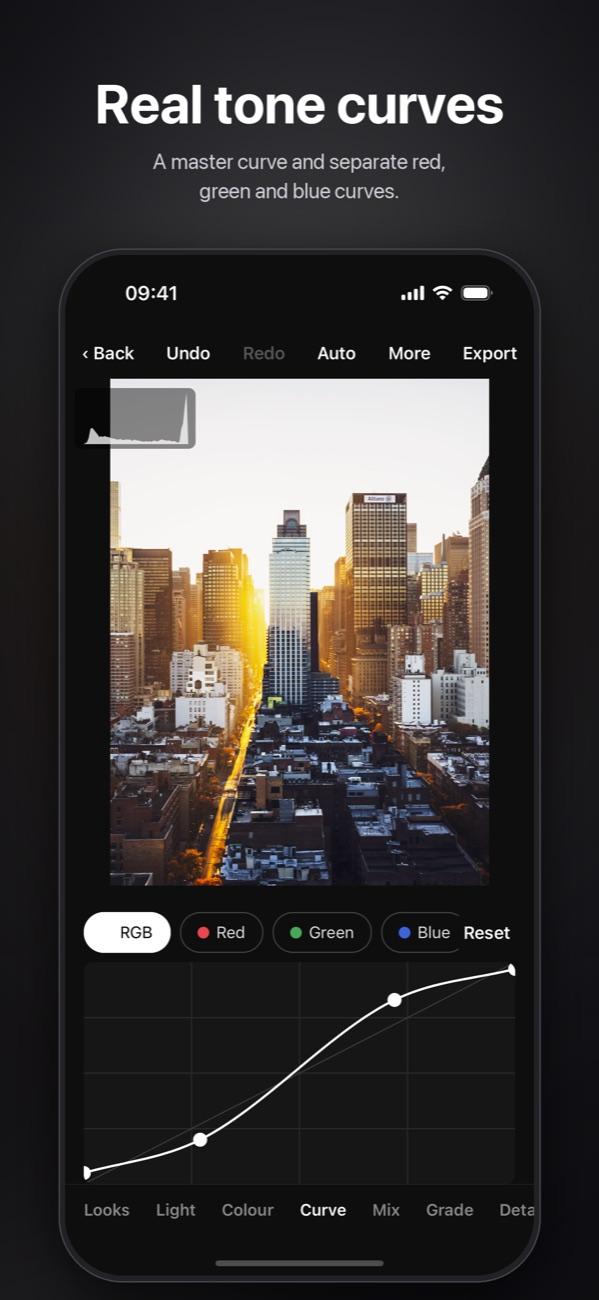
Every slider, curve, colour range and mask is part of a single program on the phone's graphics chip. The photo changes while your finger moves, and the export uses exactly the same maths as the preview. Large photos are drawn in tiles, so the only limits are the phone's memory and the file format.
RAW from the newest cameras
Spectrum reads camera RAW files with LibRaw, updated for the cameras of 2025 and 2026. When a camera is newer still, the file goes to Apple's own RAW engine instead. JPEG, PNG and HEIC open as they are.
Presets you already have
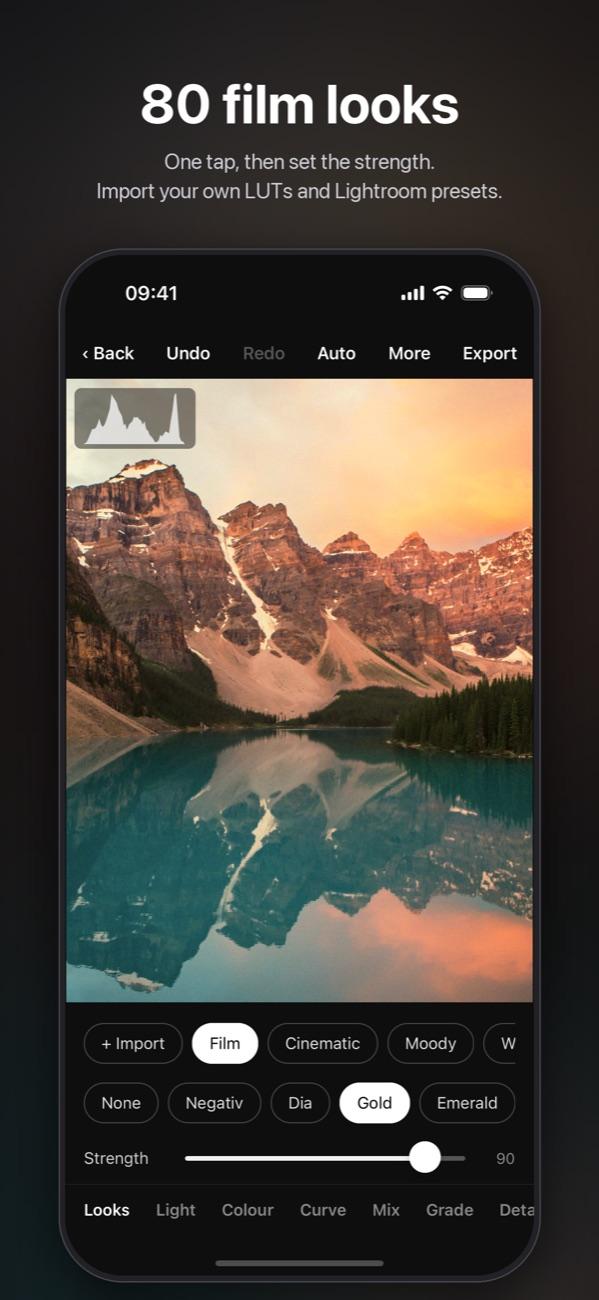
80 film looks are built in. Lightroom presets (.xmp and .lrtemplate files, even packed in .zip or .rar archives) and .cube colour tables import in a few taps.
Your photos stay yours
There is no account, no cloud and no advertising. Photos are edited and kept on the device. The app sends only an anonymous error report when something fails, which you can turn off in Settings, and the message you write if you report a problem. Read the privacy policy.
The first five days
Version 1.0 goes live on the App Store, for iPhone.
Eighth in Photo & Video, on the second day.
Version 1.0.1 goes to App Review: anonymous error reports, with a switch to turn them off.
Version 1.0.2 goes to App Review: a layout made for iPad, and Report a problem and Send a suggestion in Settings.
Spectrum is free on the App Store.
Get it on the App Store